An ATS-friendly CV isn't about gimmicks or tricks. It's about writing a CV in a format the software can actually read, with the right words in the right places.
This guide walks you through exactly how to build one from scratch — section by section, with the reasoning behind every decision.
If you want to understand why ATS rejects CVs in the first place, read our companion guide: What Is ATS Software & Why It Matters. This post is the practical "how" — let's build your CV.
Step 1 — Choose the Right File Format
Save your CV as a .docx file unless the job posting specifically asks for a PDF.
Why: .docx parses more reliably across different ATS systems than PDF. Some older or budget ATS platforms still struggle to extract text cleanly from PDFs, especially ones with embedded fonts or design elements.
Name your file simply: FirstName_LastName_CV.docx — not "CV_Final_v3_USE THIS ONE.docx".
Step 2 — Use a Single-Column Layout
This is the single biggest formatting mistake job seekers make. Multi-column layouts, sidebars, and text boxes confuse ATS parsers — they often read content left-to-right across columns instead of down each column, scrambling your CV into nonsense before a human ever sees it.
Do this instead: One column. Content flows top to bottom in a single, simple stream.
Step 3 — Build Your Header Correctly
Put your contact details in the body of the document — not in the header or footer. Many ATS systems skip headers and footers entirely when extracting text, which means your name and phone number effectively disappear.
Top of your CV should read:
JOHN SMITH
Warehouse Supervisor
07700 123456 | john.smith@email.com | linkedin.com/in/johnsmith | London, UK
Plain text. No text boxes. No graphics around it.
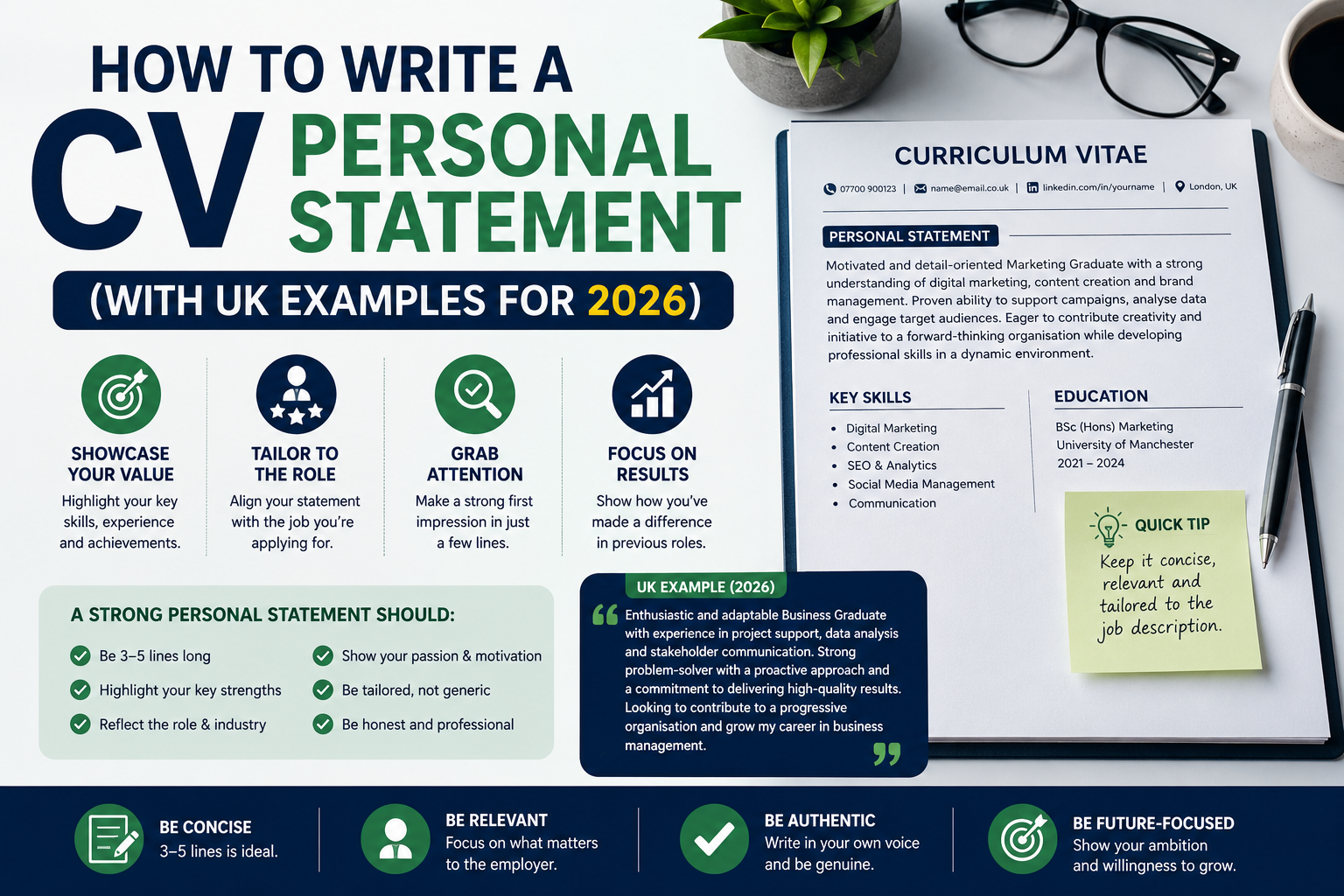
Step 4 — Write a Targeted Professional Summary (Not an Objective)
Skip the generic "objective statement." Replace it with 2–3 sentences that state your role, years of experience, and key specialism — using language that mirrors the job posting.
Warehouse Supervisor with 8 years' experience managing logistics operations
and teams of up to 12. Specialist in ISOIEC compliance, inventory control,
and process improvement. Seeking a supervisory role in London.
This section does double duty — it's the first thing a human recruiter reads, and it's keyword-dense for the ATS scan.
Step 5 — Use Standard Section Headings
ATS software is trained to recognise common headings. Stick to convention:
- Professional Summary
- Employment History (or Work Experience)
- Education
- Skills
Creative headings like "My Journey" or "Where I've Been" might look nice to a human, but ATS software won't reliably categorise the content underneath them — meaning your work history might not get parsed as work history at all.
Step 6 — Mirror Keywords From the Job Description
This is where most of the actual ATS "score" comes from. Before you apply:
- Open the job description in one window and your CV in another
- Identify repeated terms — job titles, software names, certifications, hard skills
- Make sure those exact terms appear in your CV (not synonyms)
Example: if the posting says "ISOIEC" and your CV says "quality compliance," the ATS may not connect the two — even though you mean the same thing. ATS systems match literal text, not meaning.
Free tool: Paste your CV and the job description into Jobscan (free tier) to get a match score and see exactly which keywords you're missing.
Step 7 — Write Achievement-Based Bullet Points
Each role in your Employment History should have 3–5 bullet points. Lead with action verbs and include numbers wherever possible.
Weak:
- Responsible for managing the warehouse team
Strong:
- Managed a team of 8 warehouse operatives, reducing picking errors by 18%
  through a new inventory tracking process
The numbers don't just impress recruiters — they also naturally pull in relevant keywords (team size, process names, metrics) that improve your ATS match.
Step 8 — Keep Formatting Plain
Checklist:
- ✅ Black text on white background
- ✅ One standard font throughout (Arial, Calibri, or Times New Roman)
- ✅ Font size 10–12pt for body text
- ✅ Simple round or square bullet points — not custom icons or symbols
- ❌ No tables
- ❌ No text boxes
- ❌ No images, icons, or skill-rating graphics
- ❌ No colour blocks or shaded sections
Every one of these "don'ts" risks the ATS either skipping that content entirely or scrambling it into the wrong place in your parsed CV.
Step 9 — List Your Skills Clearly
Add a dedicated Skills section near the bottom (or directly under your summary) with 10–15 relevant hard skills, written as simple plain text — not a visual bar chart or star rating.
SKILLS
Warehouse Management, Inventory Control, Forklift Operation (Certified),
ISOIEC Compliance, Team Leadership, Health & Safety, Stock Auditing,
Pallet Jack Operation, Supply Chain Coordination
Step 10 — Proofread for Zero Errors
Typos won't break the ATS scan, but they will break your credibility with the human recruiter who reads your CV after it passes. Read your CV aloud, run spellcheck, and ideally have a second person check it.
Quick-Reference Checklist
- ☐ Saved as .docx with a simple filename
- ☐ Single-column layout
- ☐ Contact details in the body, not header/footer
- ☐ Standard section headings
- ☐ Keywords from the job description included naturally
- ☐ Achievement-based bullet points with numbers
- ☐ Plain formatting — no tables, icons, or graphics
- ☐ Dedicated Skills section
- ☐ Proofread for typos
Don't Want to Build One From Scratch?
Download one of our free ATS-friendly CV templates — already structured to follow every rule in this guide. Just add your details.
For more on why these rules exist and how ATS scoring actually works behind the scenes, read: What Is ATS Software & Why Your CV Must Be ATS-Friendly.
Subscribe to our Hired in the UK newsletter below for weekly CV and job search tips.